Audio Signal Filtering
I used MATLAB to explore how bandpass and low-pass filters change an audio signal and which parts of its frequency content they retain.
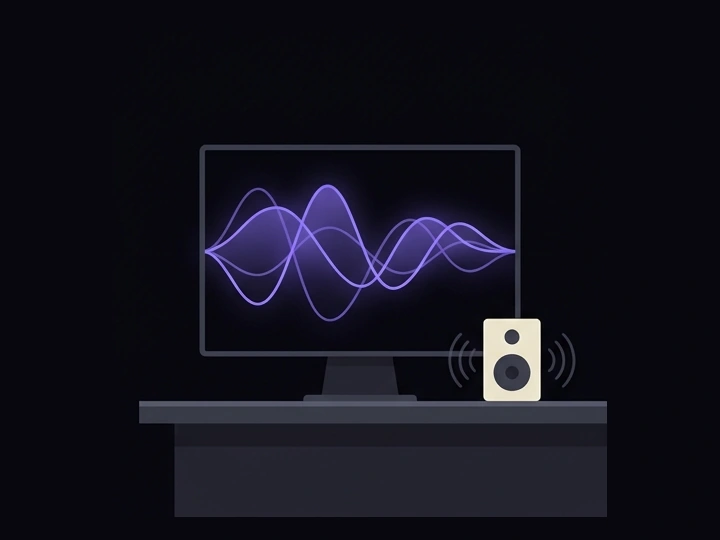
Audio-processing workspace concept — AI-generated illustration, not a prototype photo.
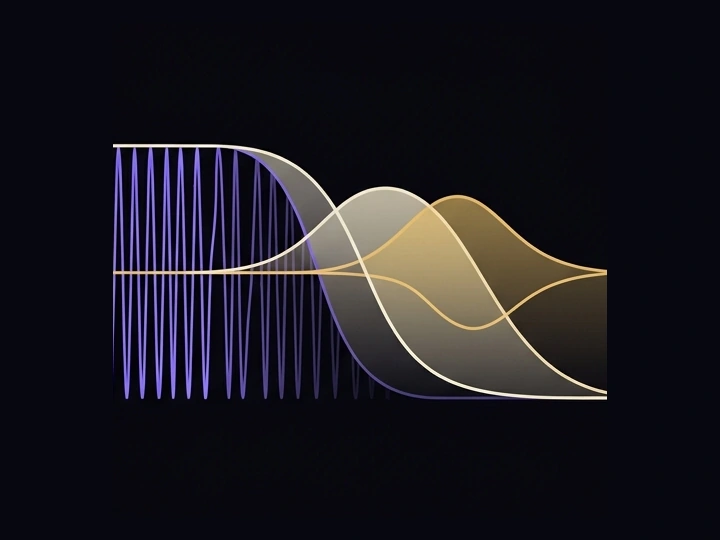
Low-pass filtering concept — AI-generated illustration, not a prototype photo.
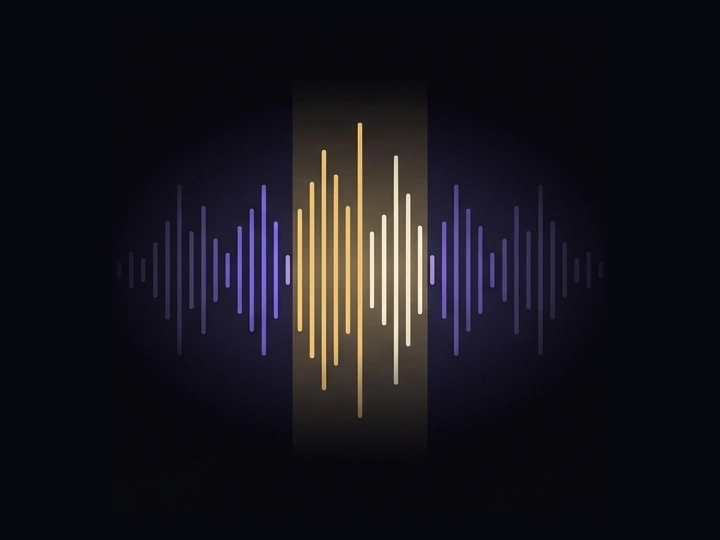
Bandpass frequency-selection concept — AI-generated illustration, not a prototype photo.
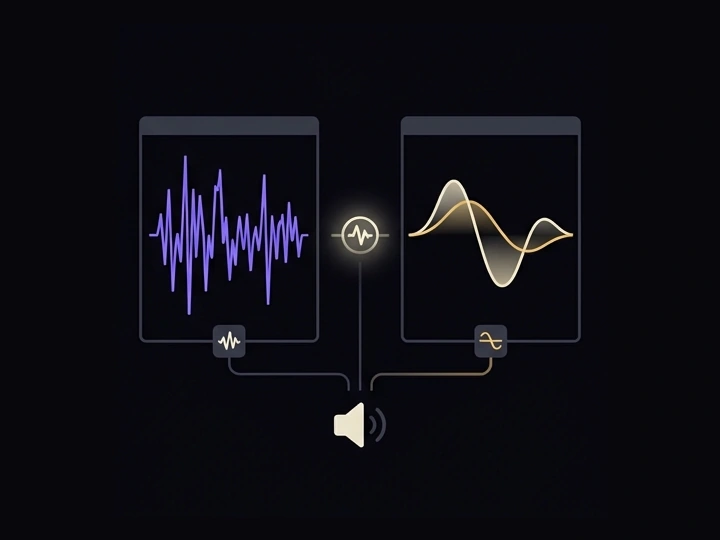
Original and filtered signal concept — AI-generated illustration, not a prototype photo.
About this project
I wanted to understand audio filtering as more than a set of equations. In this MATLAB project, I designed bandpass and low-pass filters and applied them to audio signals, connecting the filter behavior with the signal being processed.
The two filters gave me different ways to work with frequency content. A low-pass filter retains lower-frequency components while attenuating higher-frequency ones. A bandpass filter focuses on a selected frequency range and attenuates content outside it.
Working with both approaches helped me build a more intuitive understanding of frequency selection in signal processing. The project gave me practice with MATLAB-based audio processing and made the relationship between a filter and its output easier to understand. The gallery is explanatory artwork, not a substitute for measured plots or actual MATLAB screenshots.
What it does
- Low-pass filter design in MATLAB
- Bandpass filter design in MATLAB
- Application of filters to audio signals
- Exploration of frequency selection and attenuation